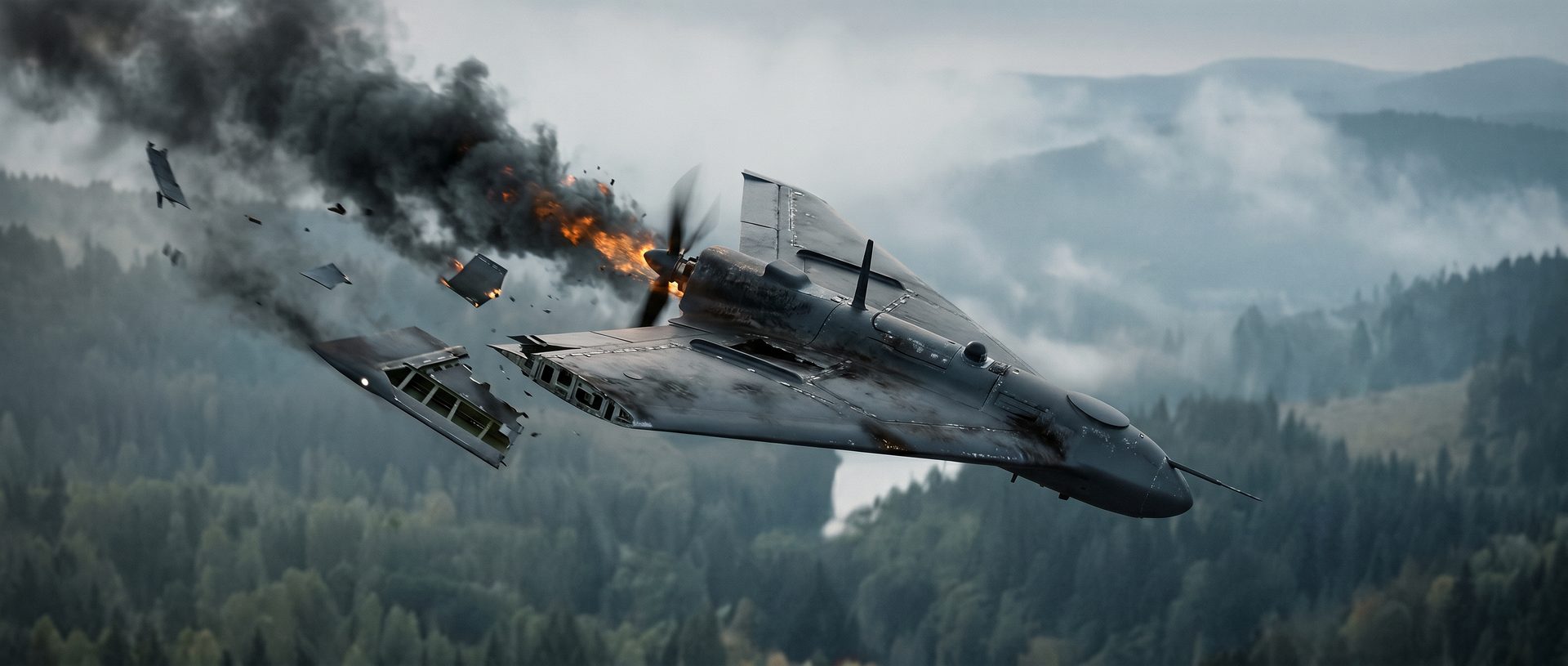
Every studio says it is “using AI”. On DEFENCE, we had to prove what that means when a client is watching every frame. It became one of the first IneoMedia films where AI sits at the heart of our postproduction pipeline. It works next to the tools we trust most, Houdini and Nuke, and never in their place.
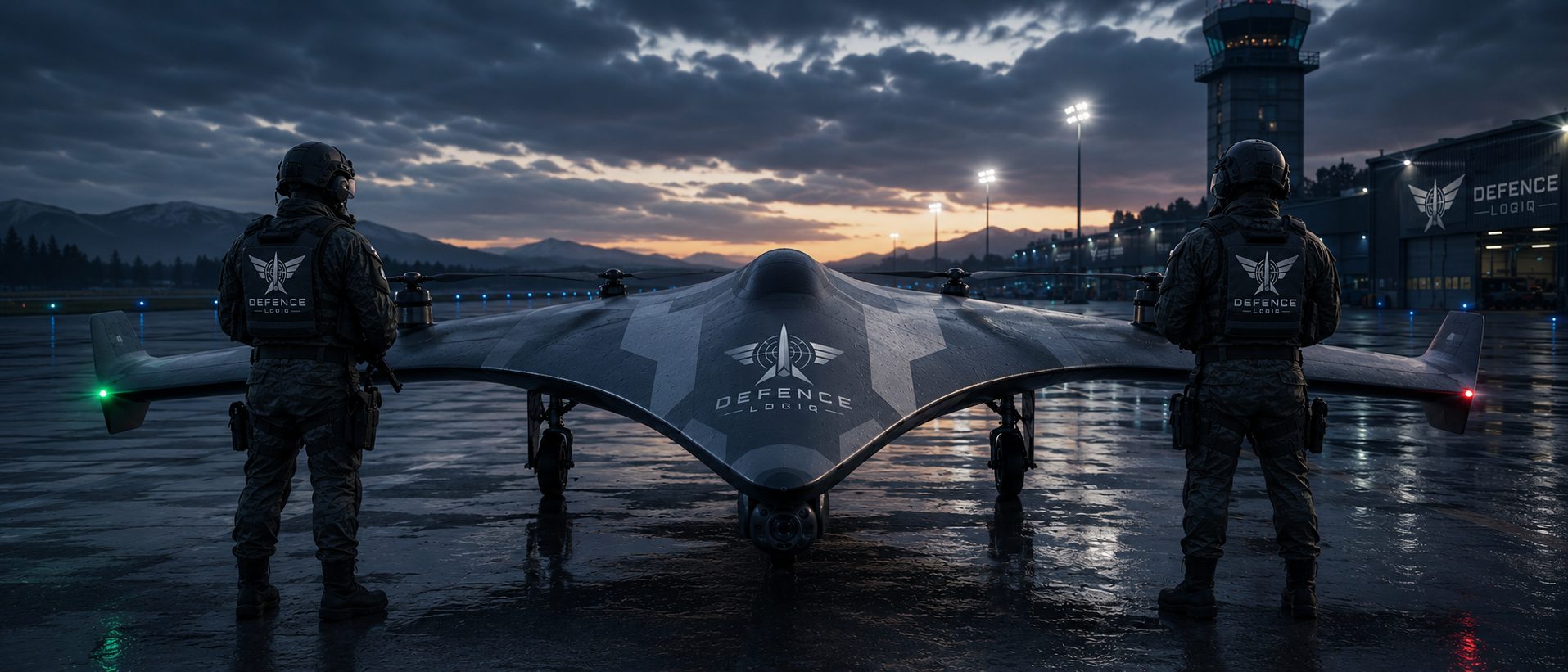
DEFENCE is a cinematic film about an autonomous interceptor: a delta-wing drone that patrols a mountain border, reads the landscape and stops an incoming swarm before it reaches the valley. It has aerial chases, mid-air destruction, a command centre under pressure and a final intercept that fills the sky. Handled the traditional way, that list means months of asset building, simulation and rendering. With AI alone it means beautiful, unpredictable shots that nobody can direct. We wanted neither.
01It starts on paper
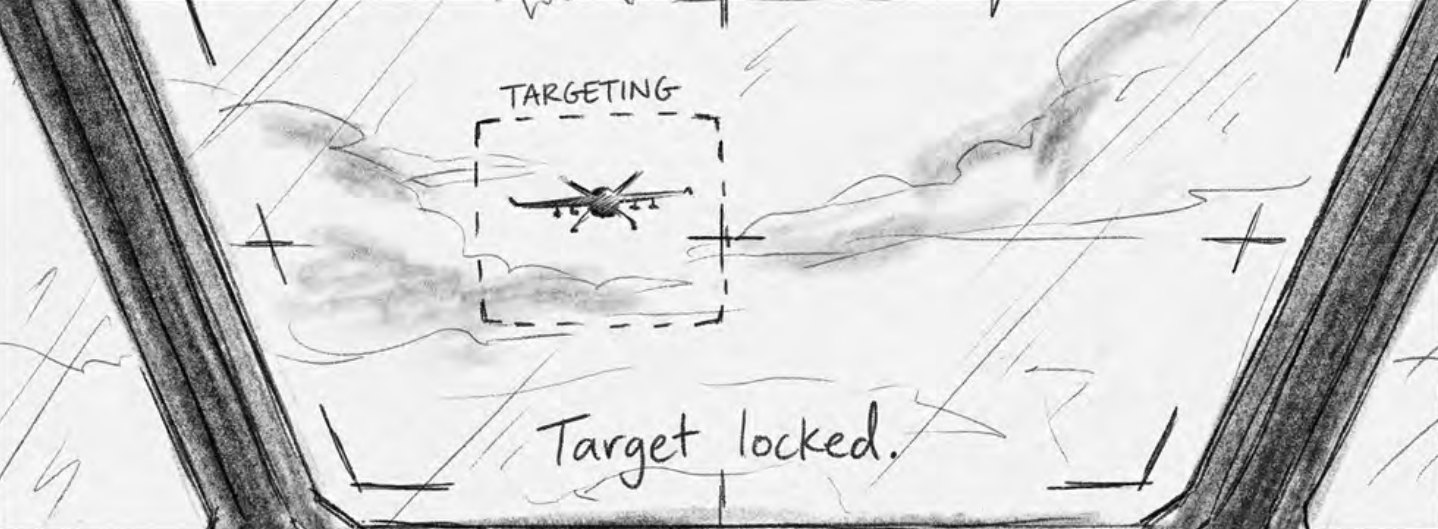
Before a single frame existed in Houdini, DEFENCE existed as a storyboard. The directors broke the film down shot by shot. Every panel carries more than a drawing: lens, duration, camera move, action, dialogue and sound notes. Those notes are a technical brief, not decoration.
That brief carries straight into the pipeline. A 24 mm slow push-in at 10% speed on the board becomes a 24 mm camera with the same move in the Houdini layout. A 4-second locked POV on a 70 mm lens becomes exactly that in the playblast. The board sets the intent, the playblast proves it in motion, and only then does any pixel get generated.
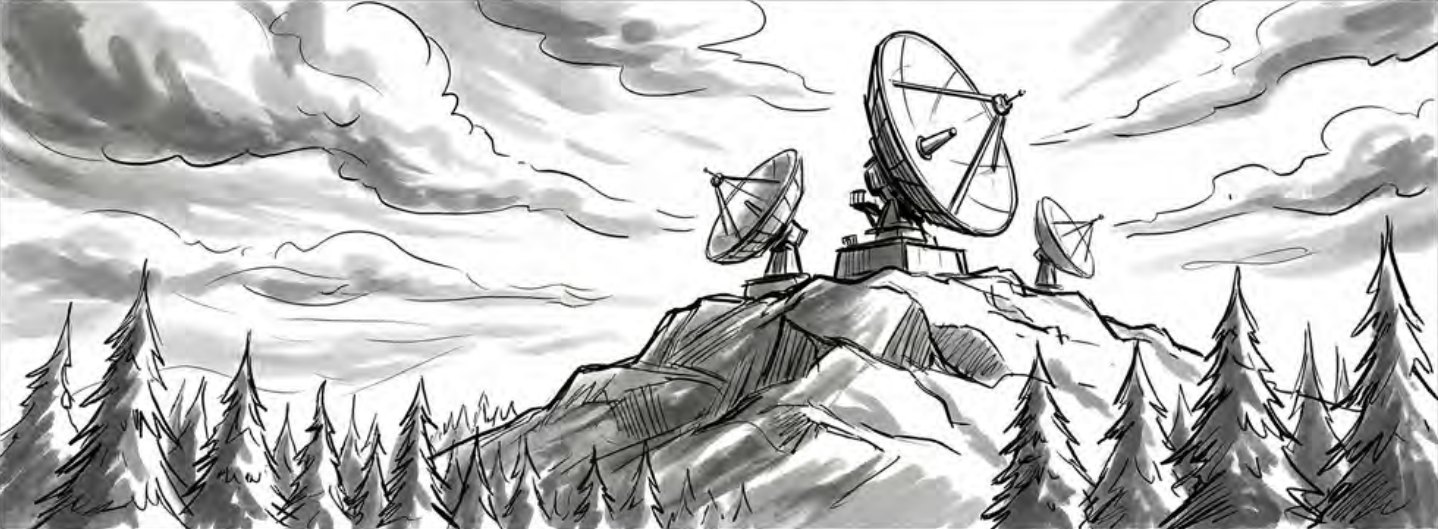
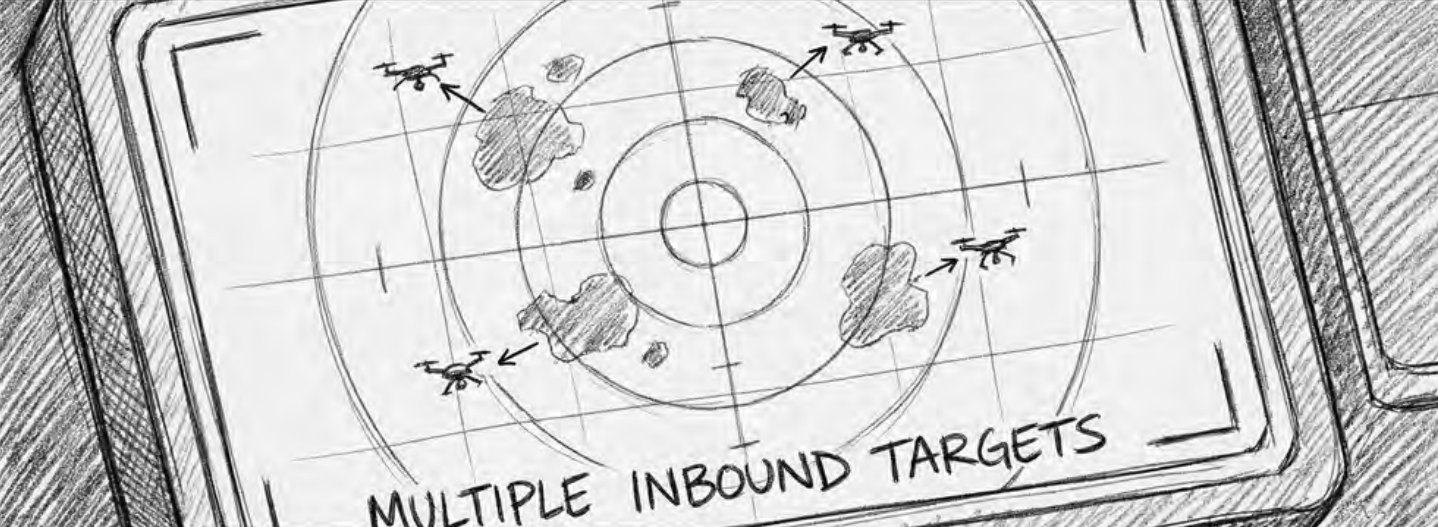
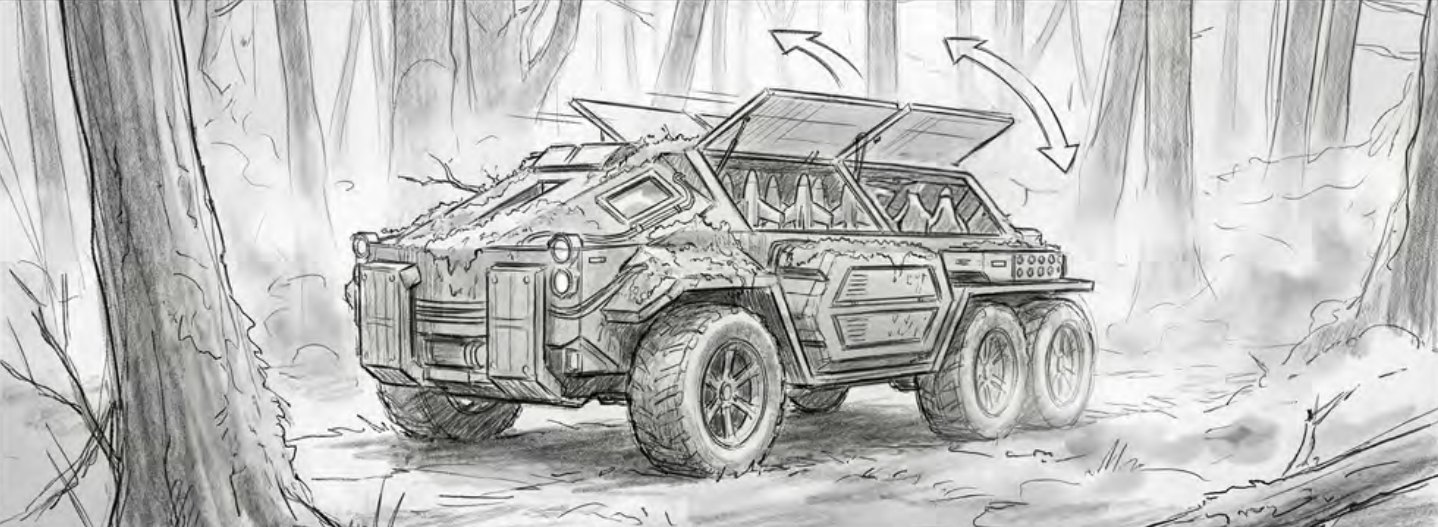
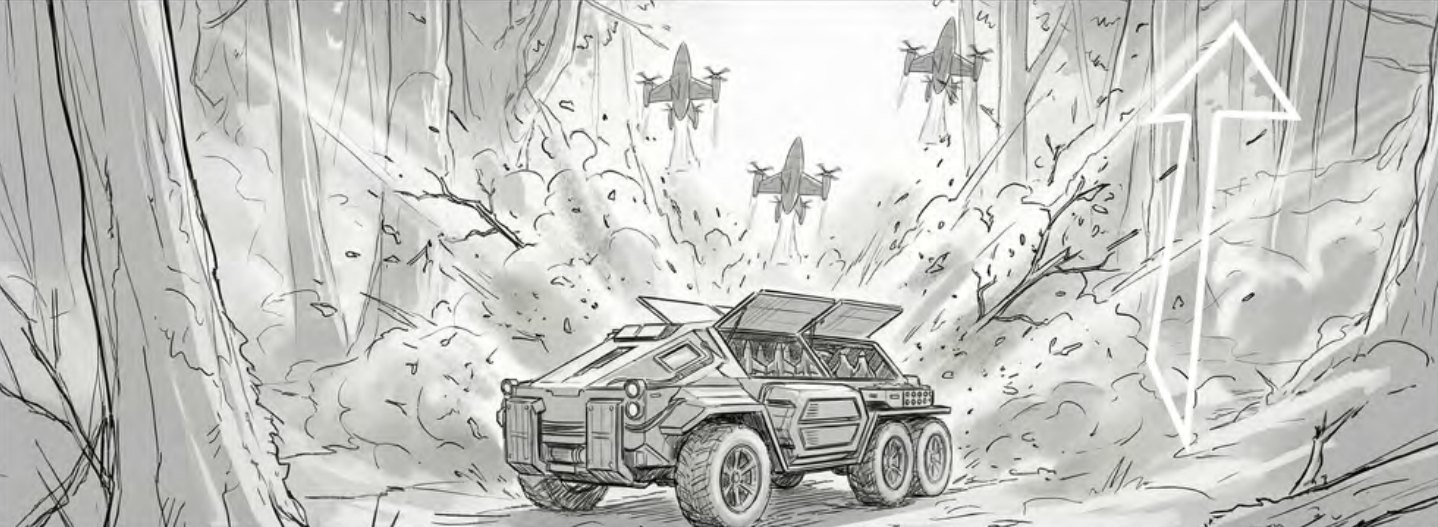
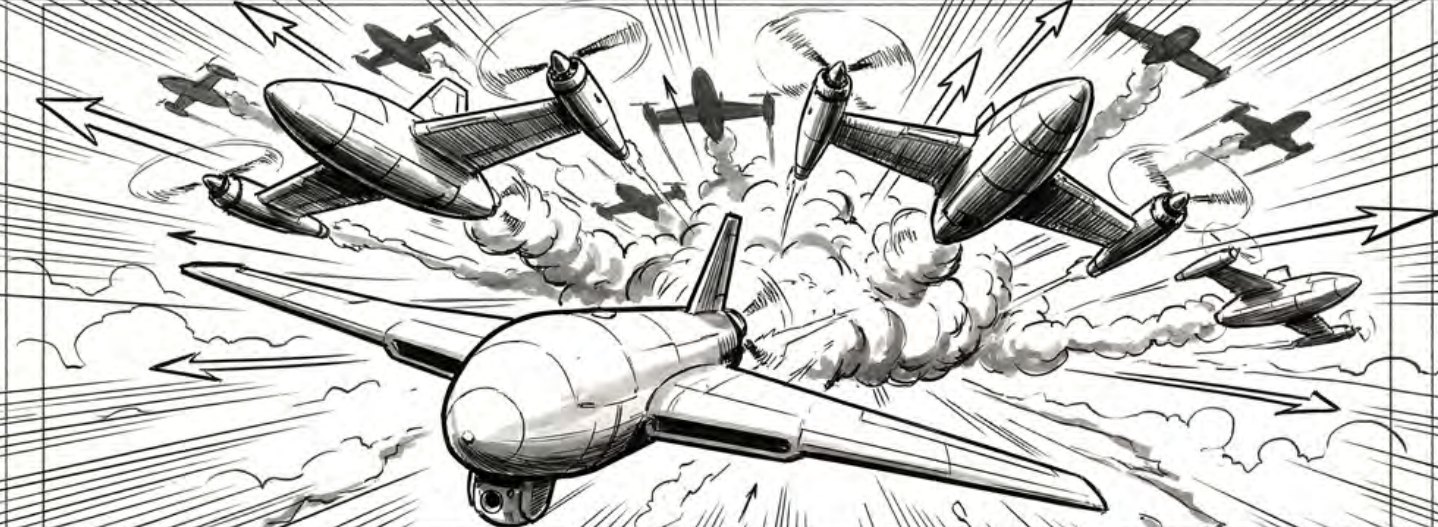
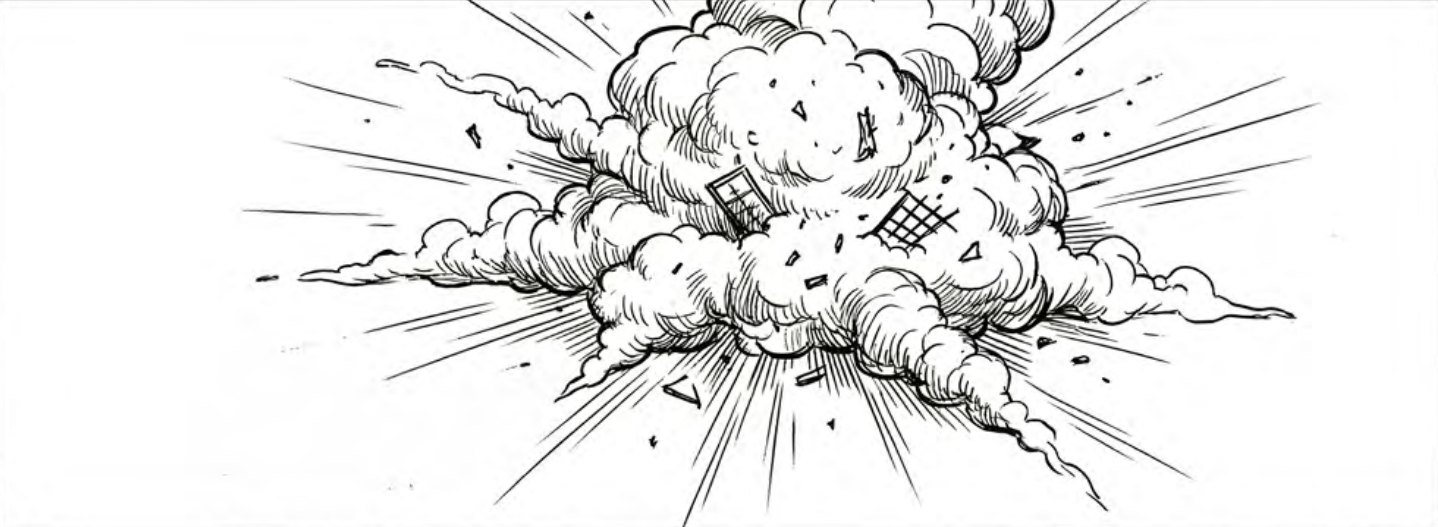
Panels from the DEFENCE storyboard. Lens and duration are taken from each board.
02Control first: every shot becomes a playblast
Our rule on DEFENCE was simple: no shot is generated until it has been approved in motion. Every storyboard panel is rebuilt in Houdini. We set cameras and lenses, lay out the terrain, and block the drone’s flight path and the animation of everything that moves. Then we playblast it: a fast, honest preview of timing, framing and action.
The playblast is what the client signs off. Once a shot is approved, the camera move, the speed of the drone and the beat of the explosion are fixed. AI then works inside those limits, guided by frames from the approved playblast and by our style frames. It gives the shot its light, atmosphere and photographic richness. It never changes the story.
- 00Paper
Storyboard
Every shot drawn with lens, duration, camera move and sound notes.
- 01Houdini
Layout & blocking
Cameras, lenses, terrain and animation blocking for every shot.
- 02Review
Playblast approval
The client signs off timing and framing in motion before any pixels are generated.
- 03AI · ComfyUI
Look & generation
Guided by playblast frames and style frames: environments, light and atmosphere.
- 04Houdini
FX & simulation
Rigid-body destruction and pyro wherever physics has to be believable.
- 05Nuke
Compositing & finish
Integration, grade, HUD graphics and shot-to-shot consistency.
03Four problems, four solutions
No pipeline survives its first real project untouched. These are the moments that shaped how we work.
The drone that kept changing shape
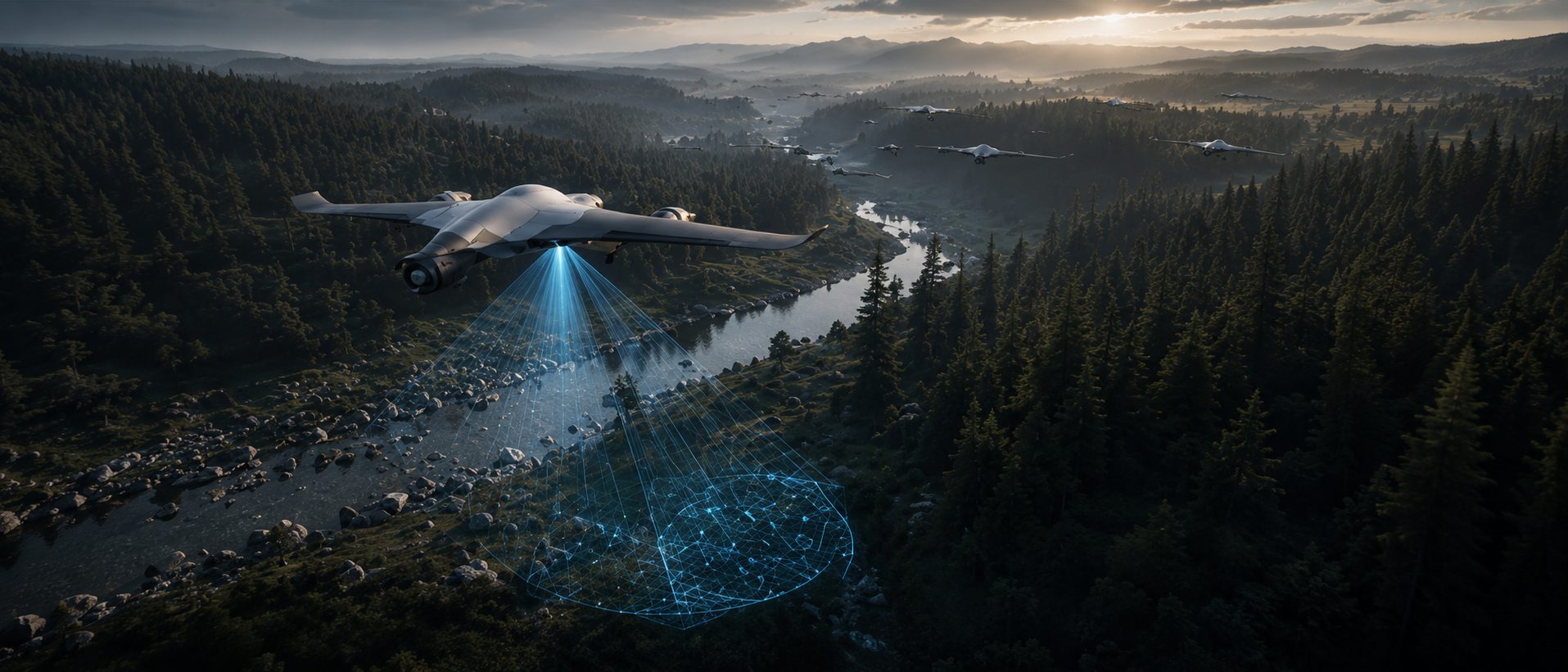
Early tests looked stunning, until we put shots side by side. From one shot to the next, the AI redrew the airframe slightly differently: a longer nose, a different wing sweep, engines that moved. For a product film, that is unacceptable.
The interceptor stayed a locked Houdini asset, rendered as clean passes in every shot. AI was given the world around it (sky, terrain, mist and light), and Nuke brought the two together. The drone is identical in every frame, and the world around it feels shot on location.
Destruction that obeys physics
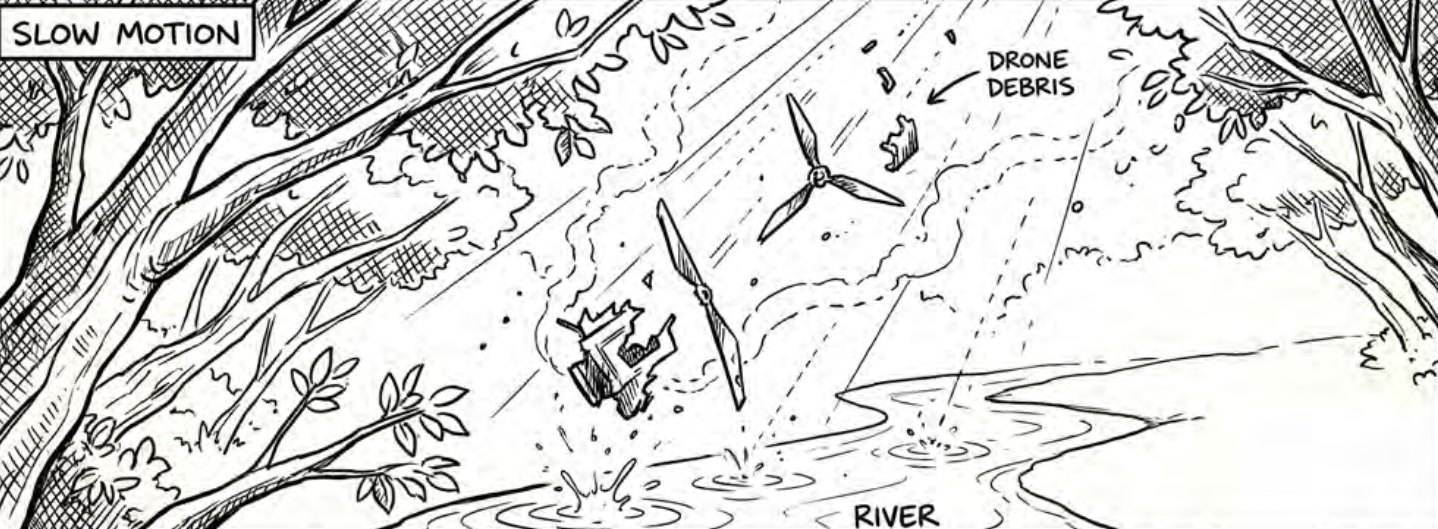
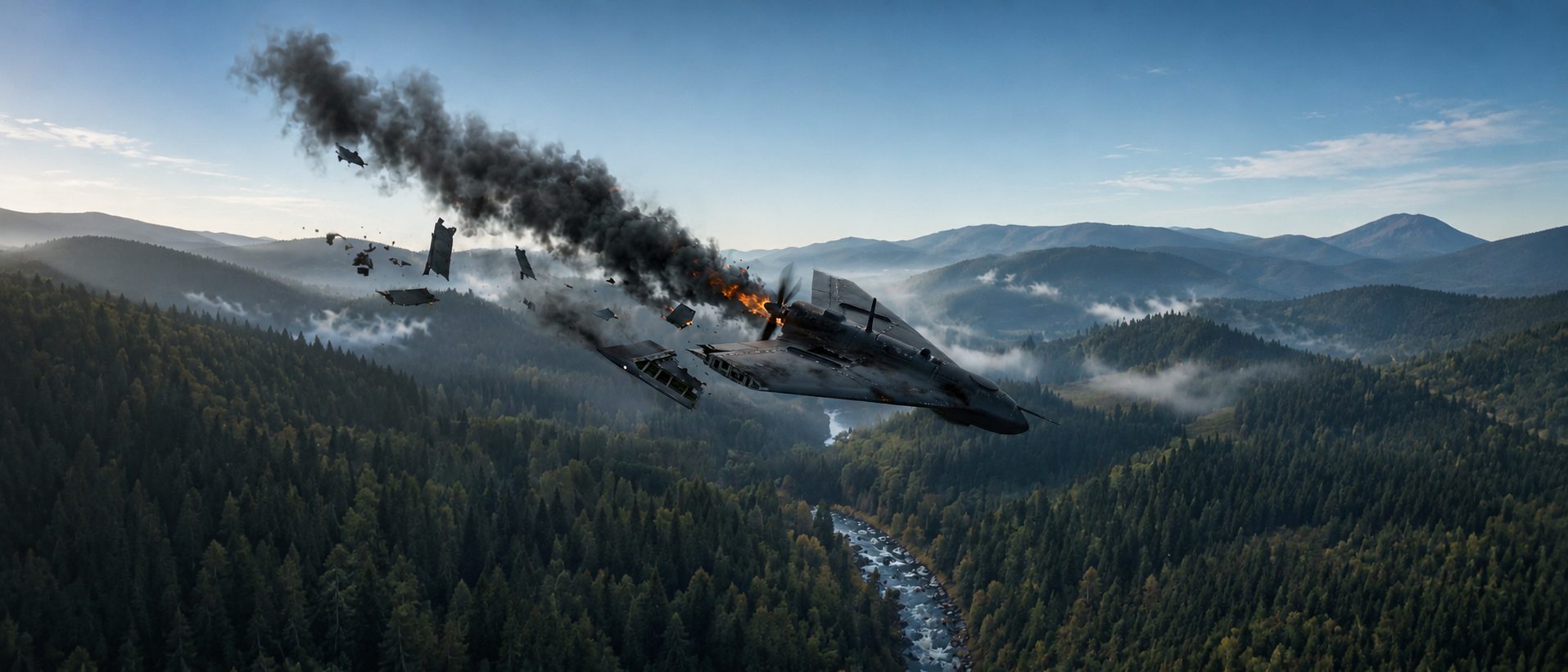
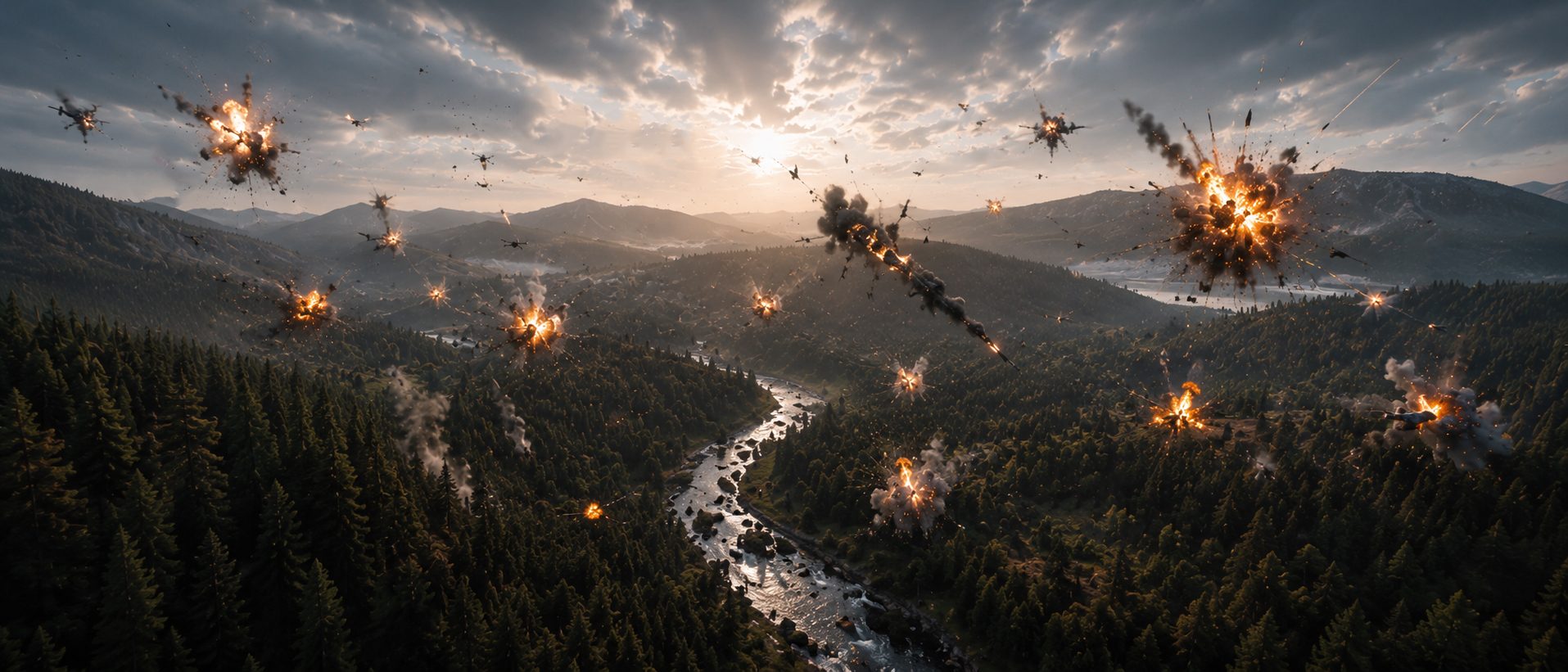
Generated explosions tend to look like other explosions: impressive, generic, and with debris that ignores gravity. The client’s engineers noticed straight away. A wing panel has to tear along its structure, not dissolve.
Every break was simulated as rigid-body destruction in Houdini, with pyro for fire and the core of the smoke, and was already timed in the playblast. AI enriched what physics alone renders slowly: the soft smoke trails, the interaction with mist and the glow on the clouds. The motion is real; the atmosphere is generated.
A screen that tells the story
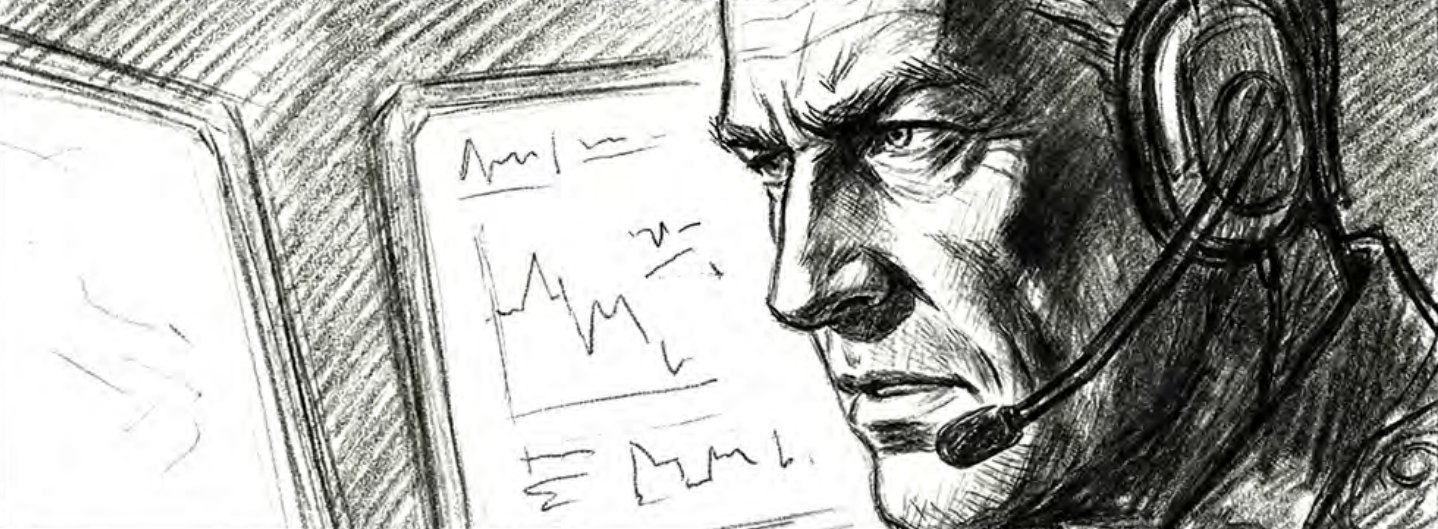
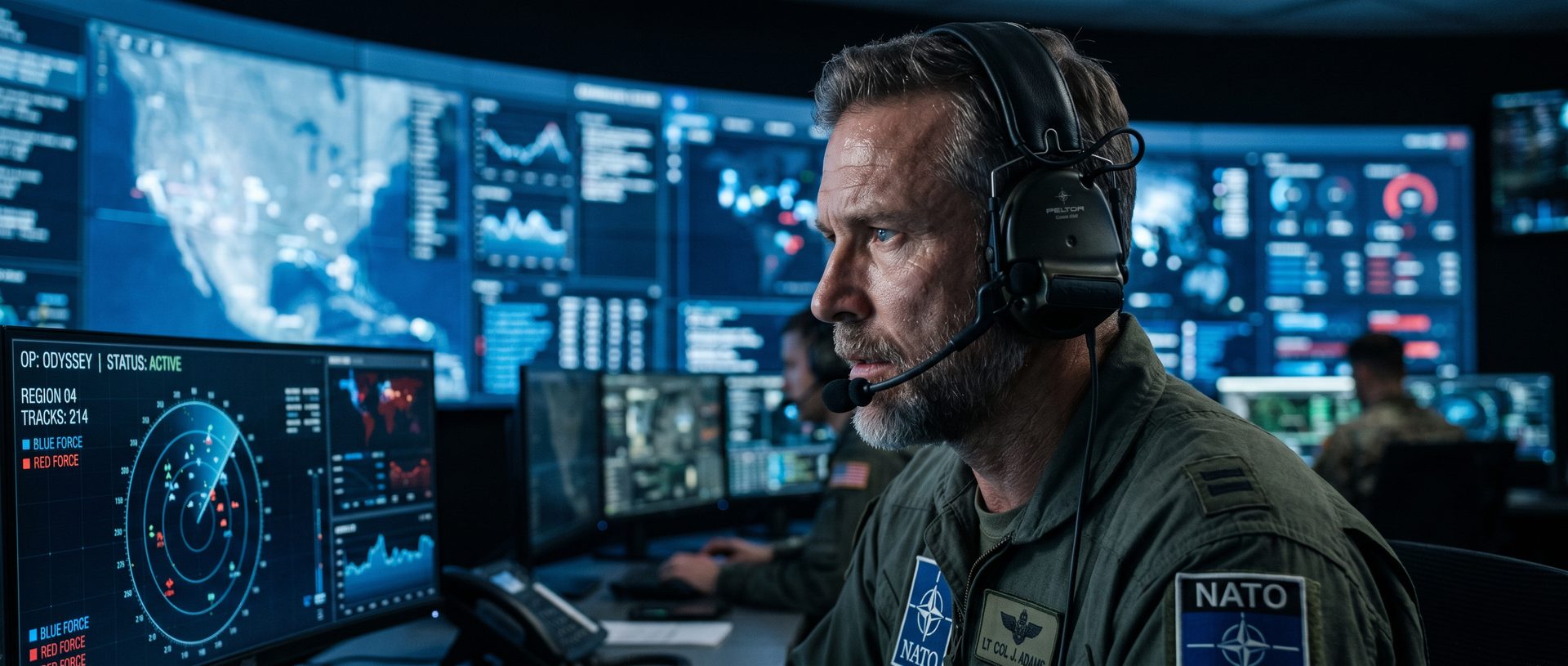
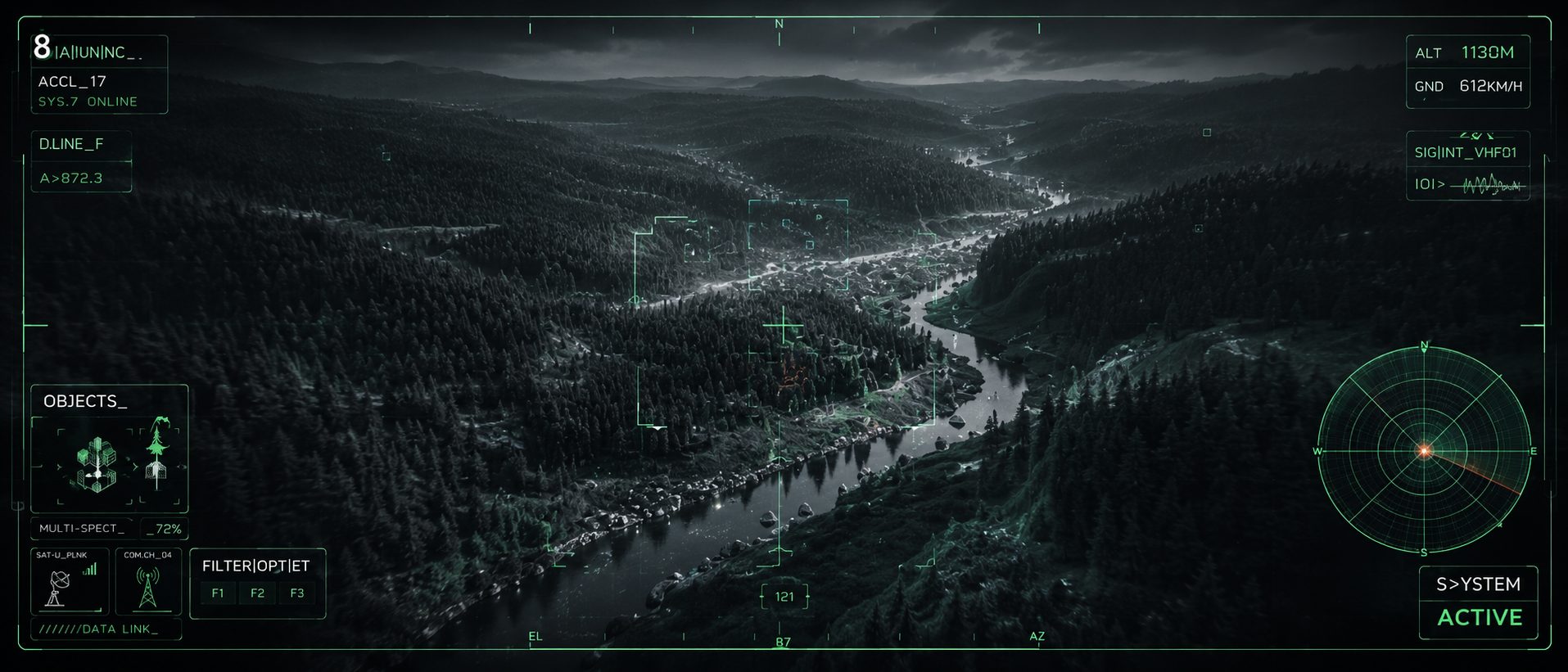
The client wanted the command centre and the drone’s point of view to feel operational and credible, without showing anything resembling real data, real systems or real locations.
We designed a fictional interface language with radar, tracks, telemetry and target boxes, and built it as motion graphics in Nuke, tracked onto the plates. Every number on screen was invented, and every element had to make sense to someone who works in the field.
The playblast is our contract. Once a shot is approved in motion, AI doesn’t get to decide the timing, the camera or the story. It only gets to make it beautiful.
IneoMedia postproduction team
A new sequence in week four
Four weeks in, the client came back with the request every studio knows: “What if the interceptor doesn’t face one target, but a whole swarm?” It was a stronger ending, a dozen new shots and a schedule that was already full.
Because every shot already lived in Houdini, we re-blocked the finale in two days and had playblasts in front of the client that same week. The valley environments from earlier shots were reused, so generation started from approved looks rather than from scratch. We were open about the cost: one extra week and a modest budget extension, agreed before any work began, and delivery on the revised date.
Gold marks the week the swarm sequence was added, and the one extra week agreed with the client.
04What DEFENCE taught us
AI did not make DEFENCE cheaper by replacing craft. It made the film possible by changing where the craft goes. Our artists spent less time on what a generator does well (endless forest, believable mist, the colour of the last light over a ridge) and more time on what only people can decide: where the camera is, when something breaks, and how a frame feels.
Above all, it showed us that control and speed are not opposites. Board, playblast, generation and comp became one unbroken chain. Blocking and playblasting every shot felt like extra work at the start. In week four, it was the reason a late creative change took days instead of weeks. The playblast-first approach is now the standard for every IneoMedia project where AI joins the pipeline.
Have a film that needs this kind of control?
Tell us about your project. Let’s plan it shot by shot.